Accessing your Public API Key

The new ISP application contains an API to allow for programmatic access to retrieving, creating, and editing your monthly reports. Full documentation for the API is available from the Support page by clicking the Public API Documentation link. This guide will walk you through managing API key in the ISP web application.
Only company Administrators have the ability to create, retrieve, and revoke API tokens.

Where is my key?

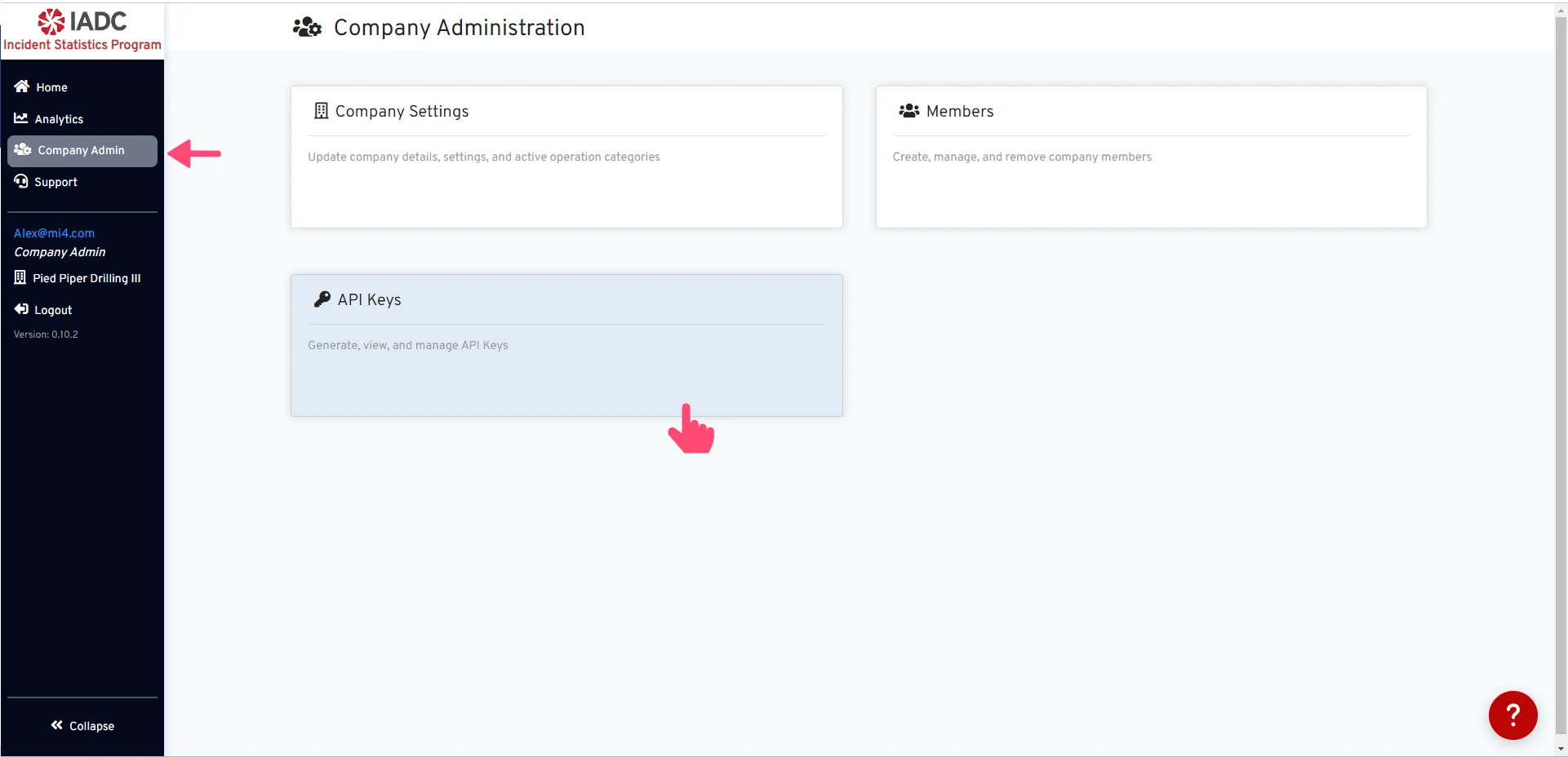
Where is my key? Begin navigating to API Keys from the Company Admin page. In this section, you have the option to either locate your current key or generate a new one if you don’t already have it.

Generate API Key

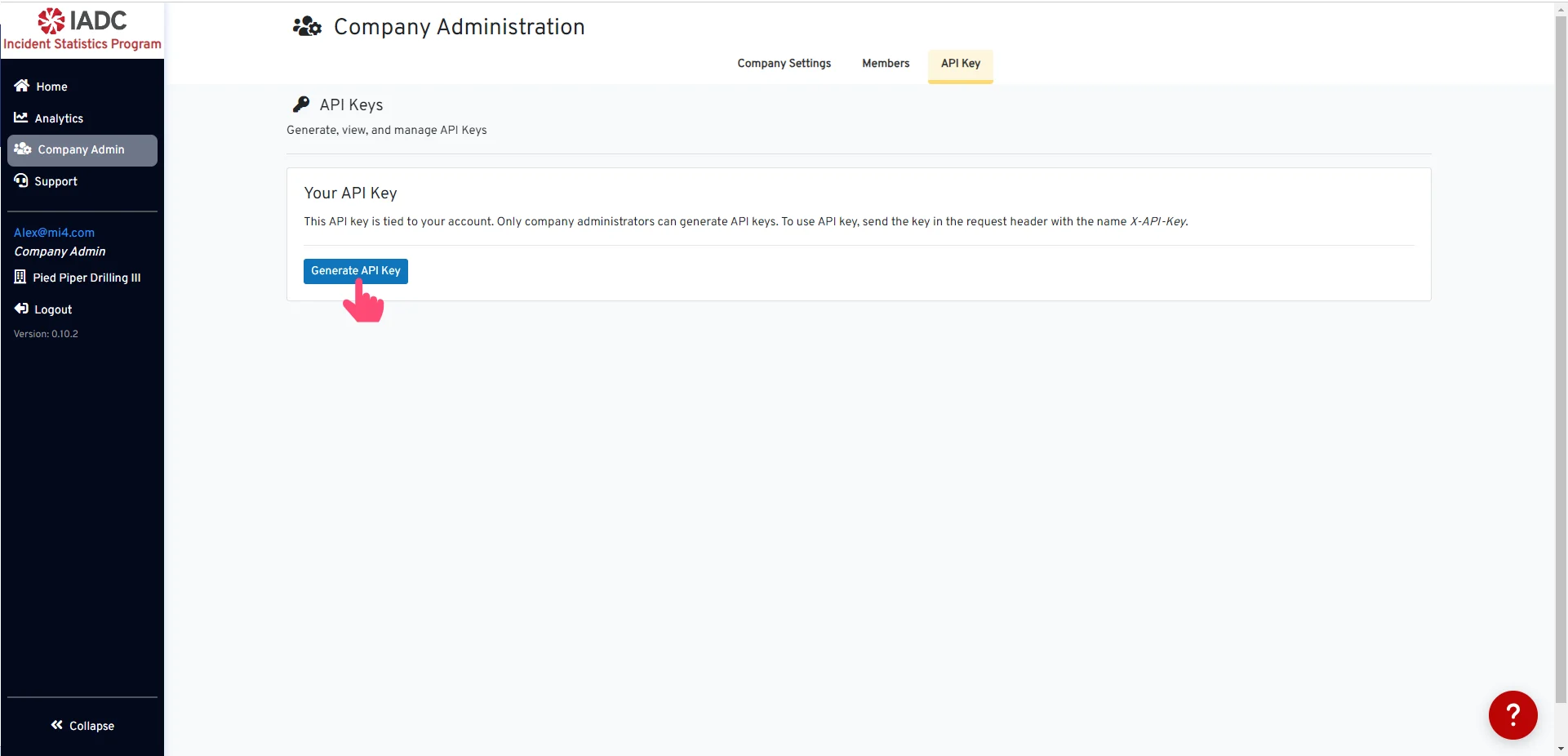
Generate API Key Create a new API Key by clicking the Generate API Key button.

API Key Created

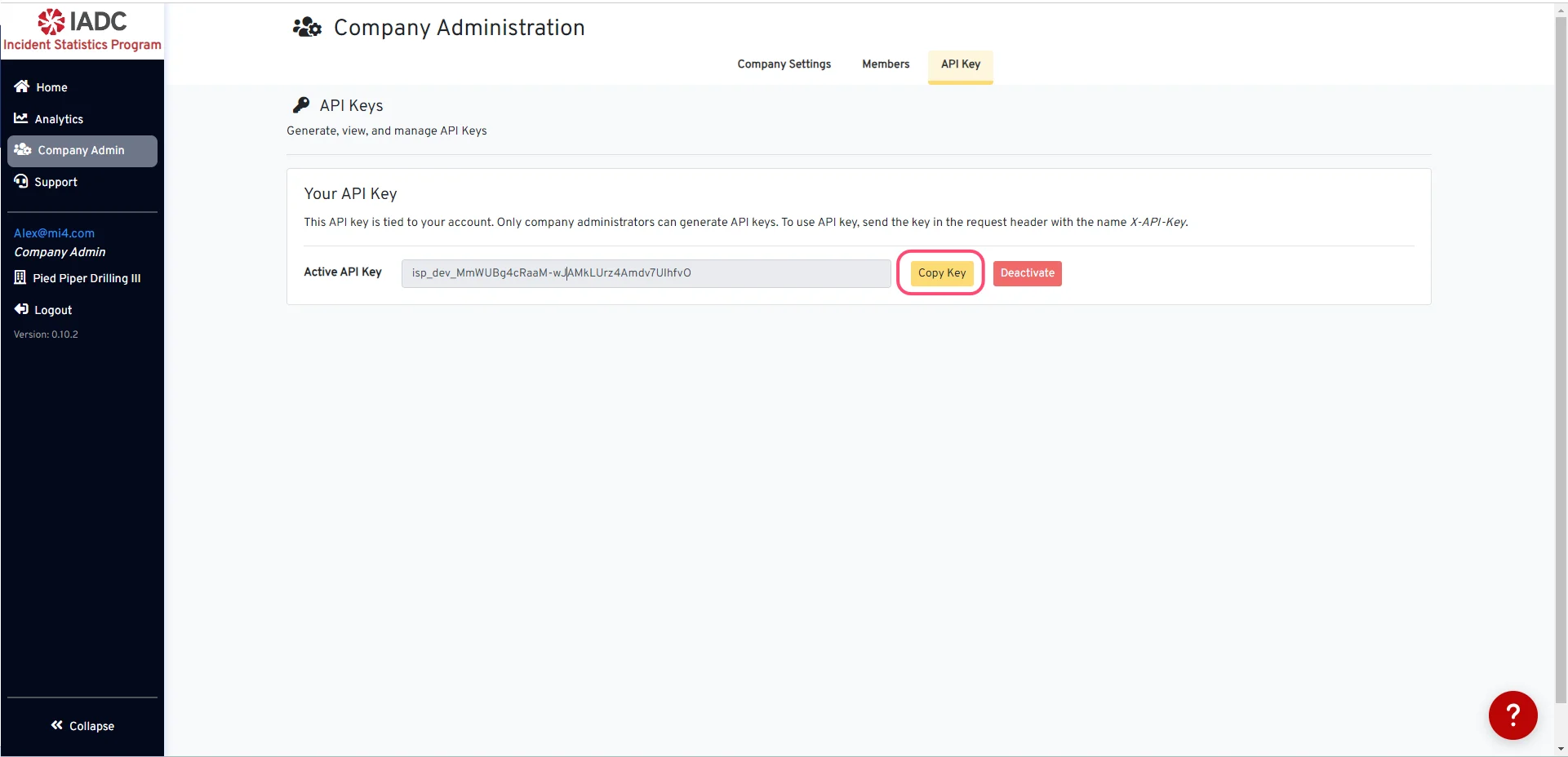
API Key Created You can choose to copy your active API key by simply clicking the Copy Key button.

Deactivate API Key

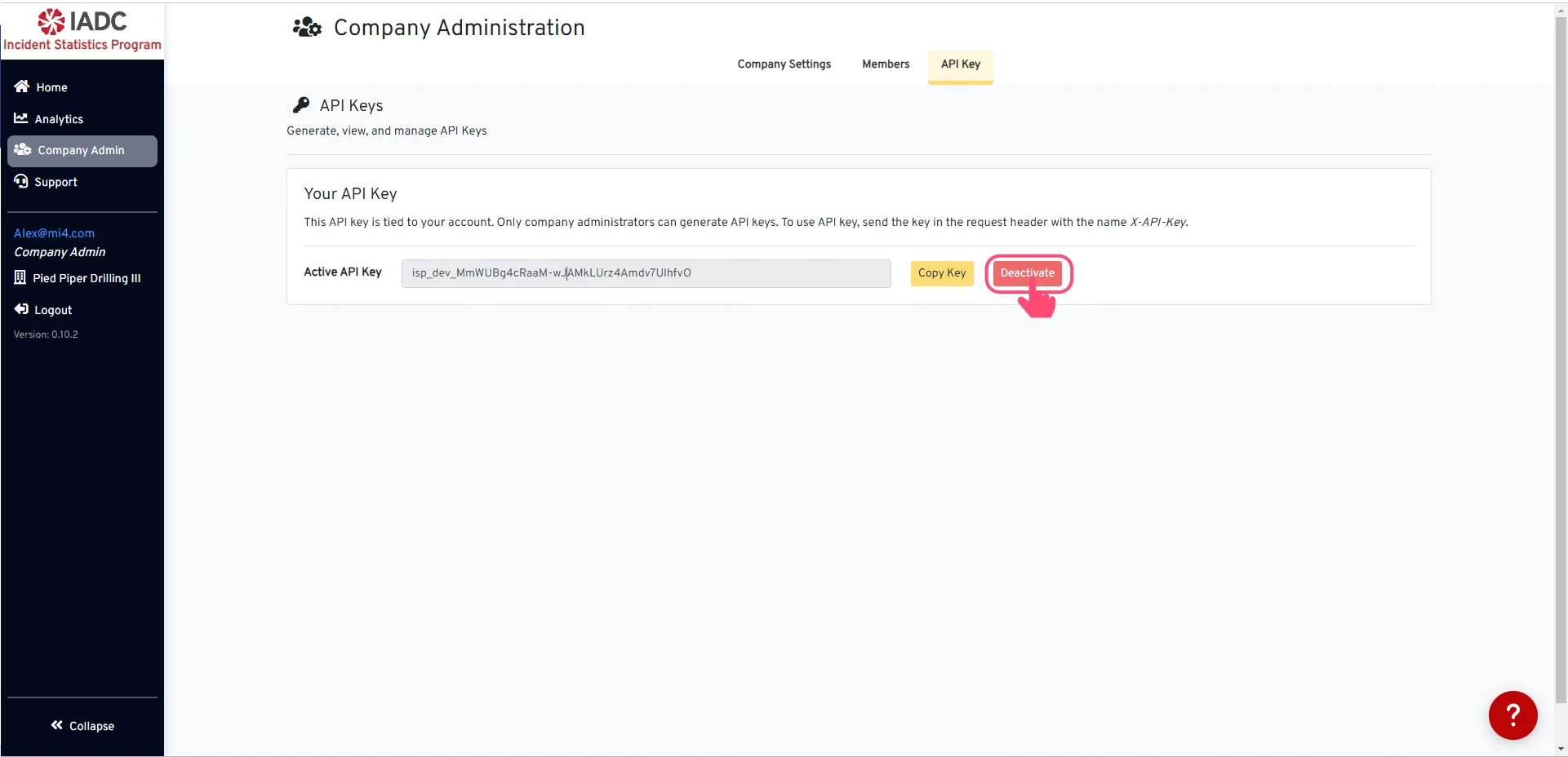
Deactivate API Key To deactivate your API key, click the Deactivate button.
Once you deactivate your API key, it will be removed and no longer valid. You can return to generate a new key at any time.